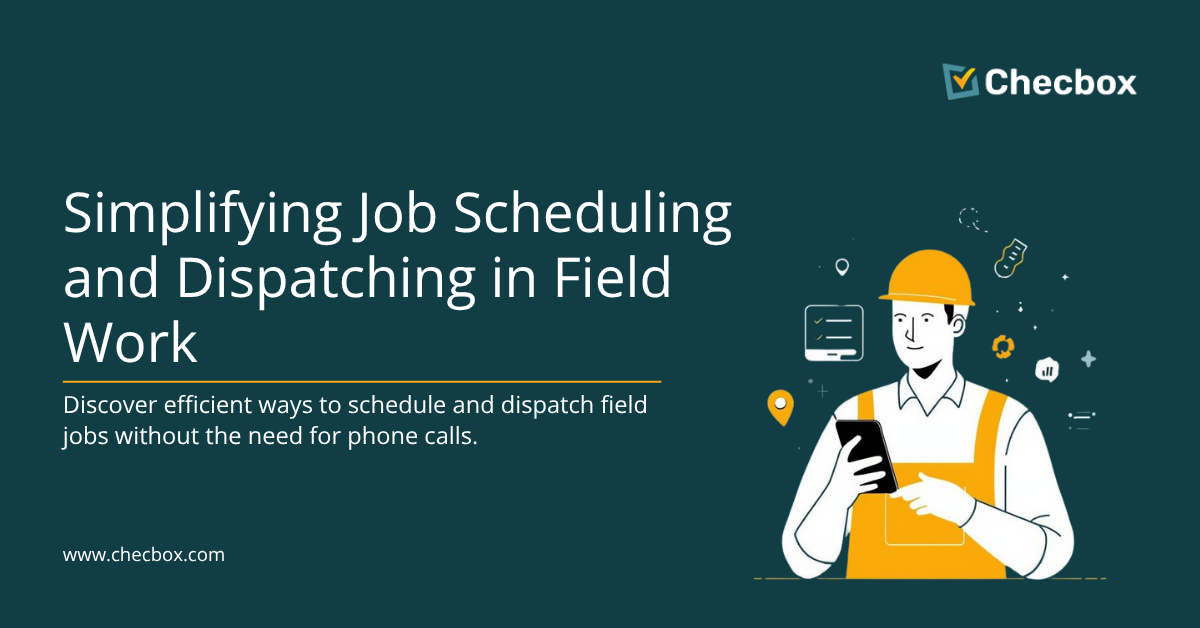
If your morning starts with a string of calls to find out who’s going where, your scheduling process is working against you. Modern field service businesses assign, dispatch, and close jobs entirely through an app — no calls, no whiteboards, no chasing. Here’s how it works and how to get there.
📅 Book a free Checbox demo → See it in action for your team
Why Phone-Based Dispatching Fails Field Teams
Phone dispatching has three fatal flaws that compound as your team grows:
- It doesn’t scale. A dispatcher managing 5 techs can just about handle phone updates. At 15 techs, it becomes a full-time job. At 25, it breaks entirely.
- Nothing is recorded. A verbal job assignment leaves no audit trail. If a client disputes whether work was done, or a tech says they were never told about a job, you have nothing to refer back to.
- It creates bottlenecks. Every decision flows through the phone. If the dispatcher steps away, the team stalls.
The solution isn’t better phone discipline — it’s removing the phone from the dispatch process entirely.
How App-Based Dispatching Works
Here’s the basic flow in a platform like Checbox:
- Job created in the dashboard. A manager or admin creates a job card — client details, location, job type, priority level, required forms.
- Tech assigned from the dashboard. The nearest available technician is selected (with live GPS map view). Assignment takes 10 seconds.
- Tech gets an instant push notification. The app notifies the tech: new job, here are the details, navigate here. No phone call.
- Tech checks in on arrival. GPS check-in stamps time and location. The dashboard updates automatically.
- Job completed, forms submitted. The tech fills in the digital job form, takes photos, collects a client signature — all from the app.
- Invoice generated automatically. On job close, Xero or QuickBooks creates the invoice. No paper, no data entry.
What Changes for Your Team
For the office manager or dispatcher
You get a live map of where every field worker is right now. You can see which jobs are in progress, which are complete, and which are overdue — without picking up the phone. Changes are made in the dashboard and appear on the tech’s phone instantly.
For the field technician
Their day is in the app. Morning jobs listed in order. Tap to navigate. Tap to check in. Tap to complete. No hunting for job sheets, no waiting for a call to tell them what’s next.
For the business owner
Every job has a timestamped, GPS-tagged record. If it wasn’t documented, it didn’t happen — and in Checbox, everything is documented automatically. That’s your defence against disputes, and your proof of service for clients.
How to Handle Last-Minute Job Changes Without Calling
Emergencies happen. A job gets cancelled. A new urgent job comes in. Here’s what this looks like in a properly set-up system:
- Manager updates the job status in the dashboard to “cancelled” or reassigns it
- The tech’s app updates in real time — they see the change immediately
- A push notification tells them what’s changed and what the next job is
- Manager optionally sends a note via in-app messaging
No calls. No confusion. The tech is already driving to the right address.
Does This Work Offline?
Yes — and this matters. Field teams often work in areas with poor mobile coverage. A well-built field service app (Checbox included) is offline-first: jobs are cached to the device when the app last synced. Check-ins, form submissions, and photos are queued locally and synced the moment connectivity returns.
Frequently Asked Questions
Q: Can I dispatch jobs to multiple technicians at once?
A: Yes. Multi-tech job assignment is standard in Checbox — useful for large installations or sites that require a team.
Q: What if the tech doesn’t have the app open?
A: Push notifications are sent regardless of whether the app is open. Techs receive the notification on their lock screen.
Q: How long does it take to set up?
A: Most teams are operational within 1–2 weeks. The main tasks are importing client data, configuring job types, and doing a brief walkthrough with field staff.
Q: What does it cost?
A: Checbox starts from $49 AUD/month for up to 5 users. Compare that to Jobber at $169/month or ServiceM8 at similar price points — with comparable or better GPS and dispatch capability.
Q: Does Checbox integrate with Xero?
A: Yes. When a job is marked complete, Checbox automatically creates and syncs an invoice in Xero. No manual data entry required.
Q: Can my clients see job status in real time?
A: You can send automated job status notifications to clients via email at key stages — job assigned, tech en route, job complete.
Ready to stop dispatching by phone?
See how Checbox handles job scheduling and dispatch for your industry → Book a free demo

Content Writer