
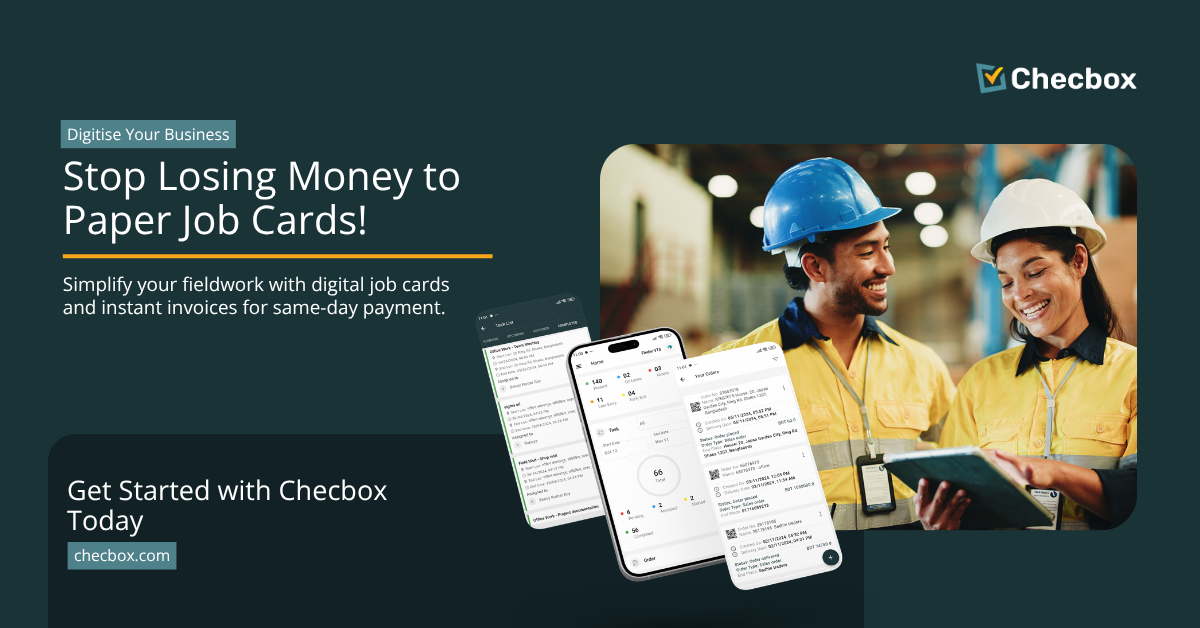
Ask most tradies how they handle job documentation and invoicing, and the answer usually involves some combination of paper job cards in the ute, a pile of timesheets on the kitchen table, and invoices that go out whenever someone gets around to typing them up — which is usually a week after the job is done, if ever.
This is not laziness. It is a workflow problem. And it costs the average trade business thousands of dollars every month in delayed or lost revenue.
The cost of paper job cards for trade businesses
Paper job cards have three problems that compound each other:
They get lost. A job card filled in at a dusty construction site, stuffed in a jacket pocket, and driven around in a ute for three days has a meaningful probability of never making it back to the office in a legible state.
They delay billing. Even when job cards survive, someone has to manually transfer the information into the accounting system. The gap between job completion and invoice generation is typically five to ten days. At 30-day payment terms, this means you are waiting 35 to 40 days to be paid for work you completed last week.
They create disputes. Paper job cards contain whatever the technician wrote down in the field — which may be incomplete, illegible, or inconsistent with what the client remembers. Without GPS verification or photo evidence, a client who decides to dispute a job has reasonable grounds to do so.
What digital job cards look like for tradies
A digital job card in Checbox is not just a paper form moved to a screen. It is a complete job record built automatically as the job progresses.
When a technician arrives at a job site, they check in on the app. The check-in is GPS-stamped at the exact address — creating an automatic record of arrival time and location without writing anything down. During the job, the technician fills in required fields, attaches photos, and completes any compliance documentation. When done, they mark it complete and capture the client’s digital signature on their phone screen.
How invoicing on job completion works with Xero
This is where trade businesses recover the most revenue.
When the job is marked complete in Checbox, the platform automatically creates an invoice — including the job description, hours worked (calculated from check-in and check-out times), any materials added, and the applicable rate. That invoice is synced to Xero within seconds.
The technician is still at the client’s address. The invoice is already in Xero.
Compare this to the traditional workflow: technician completes job → job card goes in a pile → someone processes the pile on Friday → invoice raised → client receives invoice the following Monday → payment arrives 30+ days later.
With digital job cards and Xero sync, the invoice goes out the same day. At typical trade billing rates, compressing the invoice cycle by even five days is worth thousands of dollars across a year of work.
Digital SWMS — the compliance benefit
For trades, SWMS are a legal requirement on construction and commercial jobs. Digital SWMS in Checbox are GPS-stamped at the job location, time-stamped before work commenced, and stored permanently in the cloud — retrievable in seconds for any audit. The same applies to site inductions, toolbox talk records, and JSA documentation.
Getting your trade business off paper in practice
- Set up your job types and forms — recreate your standard job card and compliance forms in Checbox’s form builder. A few hours, not weeks.
- Connect Xero — takes about five minutes through the Checbox settings panel. No IT involvement required.
- Train your technicians — most field staff are comfortable within one shift. The check-in process is one tap.
- Run parallel for one week — keep paper records for the first week while your team adjusts. After one week, the paper stops.
Frequently asked questions
Does Checbox work with Xero for tradie businesses?
Yes. Checbox has a native Xero integration that syncs invoices automatically when a job is marked complete. Also integrates with QuickBooks and MYOB. Setup takes about five minutes, no developer involvement.
Can Checbox handle SWMS forms digitally?
Yes. The no-code form builder recreates any SWMS digitally. GPS and time-stamped on submission. Stored permanently in the cloud. Retrievable in seconds for compliance audits.
Does the app work on construction sites with poor mobile signal?
Yes. Checbox is built offline-first. Check-ins, forms, and job completions are stored locally and synced when connectivity returns. GPS stamp captured at time of check-in.
Can I invoice in Xero the moment a job is completed in the field?
Yes. Job marked complete in Checbox → invoice created and synced to Xero automatically, including description, hours worked, and materials. Appears in Xero within seconds.
How long does it take to set Checbox up for a trade business?
Most trade businesses are operational within 1-2 weeks, including forms, Xero integration, and field staff training. Onboarding assistance included.
See how Checbox works for trade businesses → Book a free demo

Content Writer